 listicle
Benefits of Digital Reunification Software in 2026
Table of Contents
- Why Digital Reunification Software Matters in 2026
- Faster Student Release Verification During High-Stress Events
- Fewer Errors in Complex Custody and Contact Situations
- Building a School Emergency Reunification Plan That Actually Works
- The Student Reunification Checklist Every District Needs
- How Student Dismissal Management Software Fits Into Daily Operations
- What to Ignore When Evaluating Reunification Technology
- Frequently Asked Questions
Last Updated: October 12, 2026
Why Digital Reunification Software Matters in 2026
School safety officers and emergency managers still rely on paper lists and phone trees during the moments that matter most. The benefits of digital reunification software in 2026 come down to one thing: getting the right student to the right adult faster, with fewer mistakes. At reUNITEme™, we built our platform from real-world emergency response experience because we watched manual processes fail under pressure.
Digital reunification is the practice of using a secure, connected platform to verify identities, match students to authorized guardians, and information release in real time during an emergency or routine dismissal.
The gap between a smooth reunification and a chaotic one rarely comes down to effort. It comes down to information access.
The Cost of Manual Reunification Processes
Paper rosters go stale the moment a custody arrangement changes. Phone trees collapse when cellular networks congest. Staff working from clipboards cannot see that a parent was already turned away at another gate.
The real cost shows up in three places:
- Time: Every manual lookup adds minutes to a process measured in seconds
- Accuracy: Handwritten updates create gaps between what the district knows and what the roster shows
- Trust: Parents waiting without information escalate faster than parents who receive updates
A common mistake is assuming a well-rehearsed drill compensates for a slow verification process. It does not. Drills test people; they do not fix bad data.
How Digital Reunification Changes the Equation
The shift is simple: move identity, medical, and contact details into one user-controlled space that authorized staff and responders can reach instantly.
When a parent updates a phone number or a custody note, that change propagates immediately. No reprinting. No calling the front office. No version of the truth that differs between buildings.
That is the core promise of digital reunification: one source of truth, accessible when it counts, private by default, and controlled by the family or organization that owns the information.
Faster Student Release Verification During High-Stress Events
Speed during a reunification event is not about rushing. It is about removing the steps that create hesitation.
Student release verification works best when staff can confirm three things in a single glance: the guardian's identity, the student's current authorized pickup list, and any special instructions attached to that record. Manual systems force staff to check these across separate documents, often while a line of anxious parents grows.
A practical comparison of how verification changes:
Verification Step | Manual Process | Digital Platform |
|---|---|---|
Confirm guardian identity | Visual check, sign-in sheet | Photo and record match in seconds |
Check authorized pickup list | Paper roster lookup | Live, updated record |
Flag custody restrictions | Staff memory or notes | Documentation digitally available |
Log the release | Handwritten entry | Timestamped digital log |
Notify waiting parents | Announcements, word of mouth | Personalized status updates in the app |
What most guides miss is that the bottleneck is rarely the check itself. It is the uncertainty around whether the information on hand is current.
Fewer Errors in Complex Custody and Contact Situations
Blended families, restraining orders, and split custody schedules break paper systems. Not because staff are careless, but because the information changes faster than anyone can update a printed roster.
A digital platform handles this by attaching conditions directly to the student record. When a guardian's access is restricted, that restriction travels with the record. Staff see it at the point of release, not in a memo filed three weeks ago.
In practice, this means:
- Custody schedules update without reprinting rosters
- Authorized contacts can also be verified directly in the app
- Special medical or contact instructions stay attached to the right person
- Every change is logged, creating a clear record of who knew what and when
For districts fielding constant questions about who may pick up which child, this removes a recurring source of staff stress and emotional trauma.
Building a School Emergency Reunification Plan That Actually Works
A school emergency reunification plan is a documented set of roles, locations, verification steps, and communication protocols that governs how students are released to guardians during and after an incident.
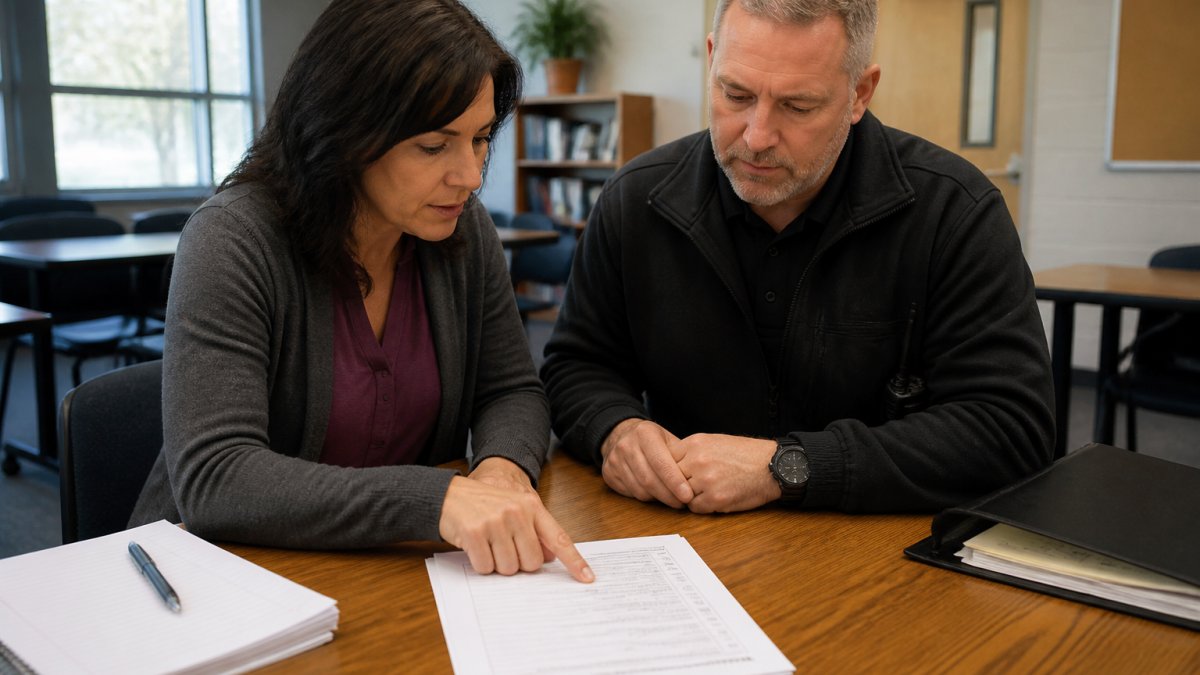
Most plans fail for the same reason: they describe what should happen without specifying who does it and with what tool. A workable plan names the reunification site, allows for real-time flexibility of individualized reunifications, assigns a verification lead, and identifies the backup(s) if that person is unavailable.
Three elements separate plans that hold up from plans that live in a binder:
- A single verification source. Everyone works from the same live record, not individual copies.
- Defined roles with backups. Every position has a named alternate.
- A communication loop for waiting families. Silence is what turns a crowd into a problem.
The Federal Emergency Management Agency's guidance on school emergency operations planning outlines how reunification fits into a broader incident command structure, which is worth reviewing before finalizing roles.
The Student Reunification Checklist Every District Needs
A student reunification checklist turns a plan into action. The version below is the sequence we recommend districts rehearse until it becomes automatic.
- Confirm the incident commander and reunification site lead
- Activate the live student roster and verify it is current
- Set up the guardian check-in station with identity verification (both can be identified through reUNITEme)
- Assign runners or digital notification to bring students forward (or provide individualized information via reUNITEme)
- Verify each guardian against the student's authorized pickup record
- Flag and hold any record with a custody or access restriction
- Log every release with a timestamp and the verifying staff member
- Send status updates to waiting families at set intervals (or send individualized updates with reUNITEme)
- Account for every student at the close of the event
- Debrief within 48 hours, update plans, and train on the new plans
The Readiness and Emergency Management for Schools Technical Assistance Center publishes free resources that districts can pair with this checklist during tabletop exercises.
How Student Dismissal Management Software Fits Into Daily Operations
Student dismissal management software is the system that handles routine end-of-day release, and it is the same system that scales into an emergency.
That dual purpose matters more than most buyers realize. A tool used only during emergencies sits idle for 179 days a year. Staff forget how it works. A tool used every afternoon at dismissal stays sharp because it is part of the daily rhythm.
When daily dismissal and emergency reunification run on the same platform, three things improve:
- Staff already know the interface before an incident
- Records stay current because they are updated for routine reasons
- The emergency process is a mode change, not a new workflow
reUNITEme™ was designed with this continuity in mind. It keeps identity, medical, and contact details in a private, user-controlled space that families and organizations can both rely on, so the same information that routes a child home on a Tuesday is available when everything else is not.
What to Ignore When Evaluating Reunification Technology
Feature lists are where good buying decisions go to die. Here is what actually matters, and what you can safely skip.
What Buyers Focus On | What Actually Matters |
|---|---|
Number of integrations | Whether records update in real time |
Dashboard design | Speed of verification at the point of release |
Marketing claims about speed | A live demonstration under realistic conditions |
Per-feature pricing breakdowns | Total cost across a full school year |
Vendor size or tenure | Whether the platform was built by people who have run a reunification |
Two questions cut through most sales pitches. First: what happens to our data if we stop paying? Second: can you show this working with our actual roster, not a demo account?
Pricing for platforms in this category varies widely based on district size, user count, and support needs. Contact us directly for current pricing and a walkthrough.
For districts comparing providers, the U.S. Department of Education's guidance on student privacy and data protection is a useful reference for the questions to ask any vendor handling student records.
The hard truth is that most reunification failures are not caused by bad people or bad intentions. They are caused by information that was out of date at the worst possible moment. reUNITEme™ gives schools, venues, and families a private, user-controlled place to keep identity, medical, and contact details current, with sharing permissions the owner controls and a design built from real emergency response experience. Get started with reUNITEme™ and walk into your next drill knowing the records in front of your staff are the ones that matter.
Frequently Asked Questions
What is digital student reunification software?
Digital student reunification software is a secure platform that stores student identity, guardian contact details, custody arrangements, and medical notes in one place. During an emergency or early dismissal, staff can verify authorized adults and log releases digitally instead of searching paper files or calling phone trees. It reduces confusion for schools and gives families faster confirmation that their child is safe.
How does digital reunification software work during a school emergency?
When an emergency occurs, staff open the platform on a phone, tablet, or computer. They see each student's approved pickup list, custody notes, and any medical alerts. As adults arrive, staff scan a face or search by name, confirm authorization, follow any additional release protocols and log the release. The system updates in real time so incident command and other stations know which students have been reunited and which are still waiting.
How can schools verify that a student is being released to an authorized adult?
Student release verification relies on the guardian-approved list stored in the system. Staff match the adult's reUNITEme profile by scanning a face and compare it against the record, check for any custody restrictions or no-contact orders, and confirm the release digitally. If the adult is not listed, the system flags it and prompts staff to contact an administrator. This creates a clear audit trail and removes guesswork during a stressful event.
What should schools look for when choosing student dismissal management software?
Look for offline access in case internet fails, role-based permissions so only authorized staff see sensitive data, support for complex custody schedules, and a clear audit log of every release. The platform should also let families update their own contact details and medical notes so records stay current. Ask vendors how they handle data breaches and whether they offer training for staff and parents before an emergency happens.